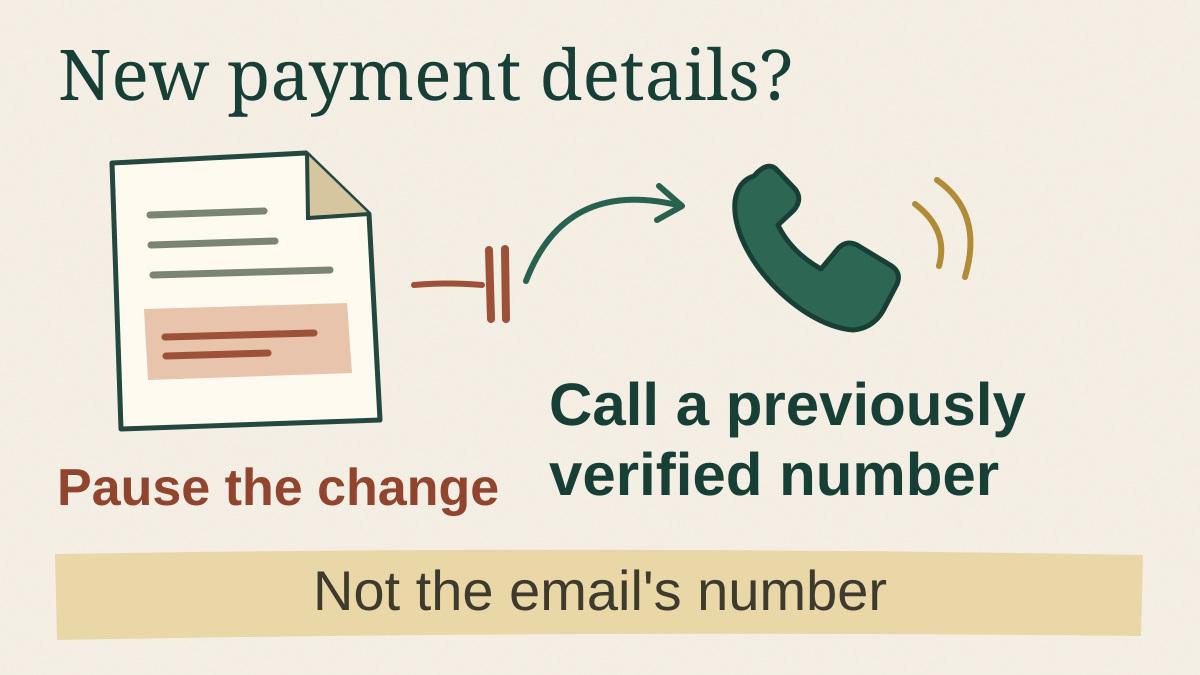
The electrician's invoice looks familiar. The job address is right, the amount matches the estimate, and the email asks you to use a new bank account. Those details can all be correct while the payment destination is wrong.
Treat a change in payment instructions as a separate decision from approving the repair bill. The FBI's Internet Crime Complaint Center describes business email compromise as a scam that can use compromised legitimate email accounts to redirect funds. Its guidance recommends a secondary channel to verify requests for account changes. For a landlord, that means leaving the message thread and contacting the vendor through a route you already trust.
Stop the destination change, not the repair response
Do not replace saved payment details or release a payment to the new destination while the request is unverified. Flag the invoice so anyone helping with bookkeeping knows it is awaiting a callback. If a payment is already queued, contact your bank or payment provider promptly to learn whether it can still be stopped or changed.
Keep the underlying repair and payment obligation visible. A questionable email does not prove the vendor is dishonest, cancel a valid invoice, or justify delaying an urgent property response. Resolve the instructions promptly through the established contact, and address any contractual deadline with appropriate advice rather than assuming a fraud concern suspends it.
Watch for a new bank account, changed payee, payment link, mailing address, or payment method. An urgent deadline or request to keep the change secret deserves scrutiny, but a calm, well-written message still needs the same check. A familiar logo, invoice number, or existing email thread is not independent verification.
Call a contact established before the request
Use a previously verified number from your vendor records, not the number in the change request or its attachment. Ask for the person authorized to confirm billing changes. If you have no established contact, pause the change and independently establish one before proceeding; a search result or newly supplied phone number is not automatically trustworthy.
A useful opening is: "We received new payment instructions for the work at our property. Before changing anything, I need to confirm whether your billing team requested this and how you want us to verify the destination." Confirm the affected invoice, payee, payment method, effective date, and whether the old instructions remain valid. Use your bank's or payment provider's secure process for any sensitive details; keep full account numbers out of ordinary task notes and shared spreadsheets.
If the contact denies the request, stop using that message thread to resolve it. Preserve the message and attachment without clicking payment links or opening unexpected files. Alert the vendor through the established channel and follow your incident process. If the contact cannot confirm the request, leave the change unverified and assign the next check. Silence is not approval.
For a solo landlord, write down the callback result before returning to the payment screen. For a team, have a second authorized person review the change evidence before releasing payment where staffing allows. A second person checking the same email is not a substitute for an independent channel. These are proposed operating controls, not a guarantee that fraud cannot occur.
Keep one invoice and one verification record
Consider this fictional example: an electrician emails a revised invoice for a completed outlet repair. Only the payment instructions have changed. You call the established office number, and the authorized billing contact confirms a legitimate account change. Record the callback and approval, retain both invoice versions, and mark the newer version as replacing the earlier payment instructions. Do not create a second payable just because another PDF arrived.
Before paying, check the invoice against the approved work and check your ledger and payment-provider history for an earlier payment or queued transfer. Verification of the destination does not establish that the amount is correct, the work is complete, or the invoice is unpaid. If a transfer is still pending, confirm its disposition with the provider before starting another one.
Use a short record: Vendor: __. Property/work reference: __. Invoice reference: __. Change requested and received date: __. Established contact source: __. Callback date and authorized contact: __. Result and unresolved questions: __. Change approved by: __. Earlier payment checked: __. Next action and owner: __. Store sensitive payment instructions separately with restricted access; reference that record rather than copying its contents.
After an authorized change, update the payment system through its approved process and check the saved destination before release. Keep the prior instructions in the controlled history but mark them superseded so they are not reused accidentally. A completed verification note and a successful payment are different events; retain the payment-provider confirmation when the payment is made.
Give unresolved checks a due date
Tasks in LetsGoLandlord.com support a due date, optional due time, and notes, with a link to a property, lease, or open maintenance ticket. Use a task to track an outstanding callback and record the responsible person in the note. The task does not authenticate a vendor, validate a bank account, approve a payment change, or stop a transfer. Keep those decisions in your verification and payment process.
Review outstanding checks before each payment run. For a larger portfolio, group them by responsible reviewer rather than leaving each property to maintain conflicting instructions for the same vendor. Keep invoice allocation separate: the payee may serve several properties, but each bill still needs the correct property and work reference.
Once the bill is resolved, use confirmed expense records for your operating review. The linked rental ROI calculator can help test maintenance allowances and cash-flow assumptions. It is a planning tool, not an invoice ledger or a payment-verification service; do not use its output to decide whether a transfer is safe.
If money may already have gone to the wrong account
Contact the originating bank or payment provider immediately through a trusted channel. Explain that you suspect a fraudulently redirected payment and ask about stopping, recalling, or reversing the transaction and the documentation they need. Follow their instructions; recovery is not guaranteed. Do not wait for the vendor to finish investigating its email account before contacting the financial institution.
The FBI IC3 guidance also directs victims to file a detailed complaint at its official site. Preserve the original communications, invoice versions, payment confirmation, and a dated account of what happened. Supply sensitive banking information only through the bank's or official reporting site's secure process. Do not send another payment to a supposed recovery agent or accept new instructions from the suspect thread.
This article provides general operating information, not legal, banking, or cybersecurity advice. Payment obligations, reporting duties, recovery options, privacy, and record retention depend on the circumstances, contracts, provider, and applicable requirements. Consult your financial institution and qualified professionals for the specific incident.